the advertisement:

review commercial: https://youtu.be/wgdWk2lMSdE
My Final Project Explanation:
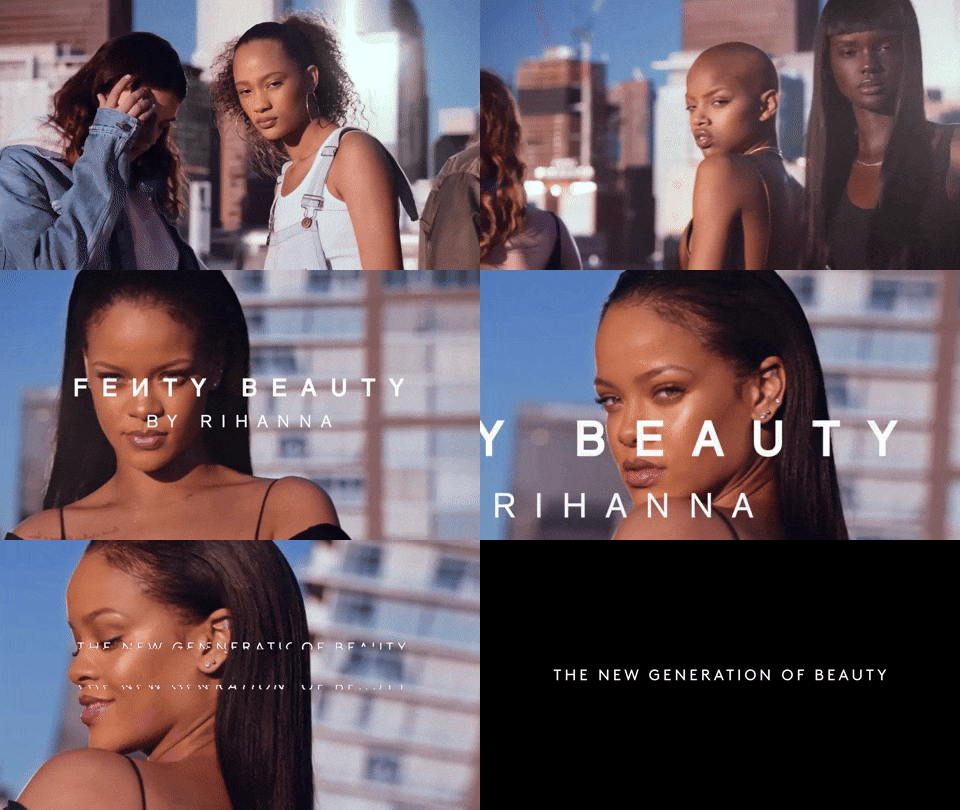
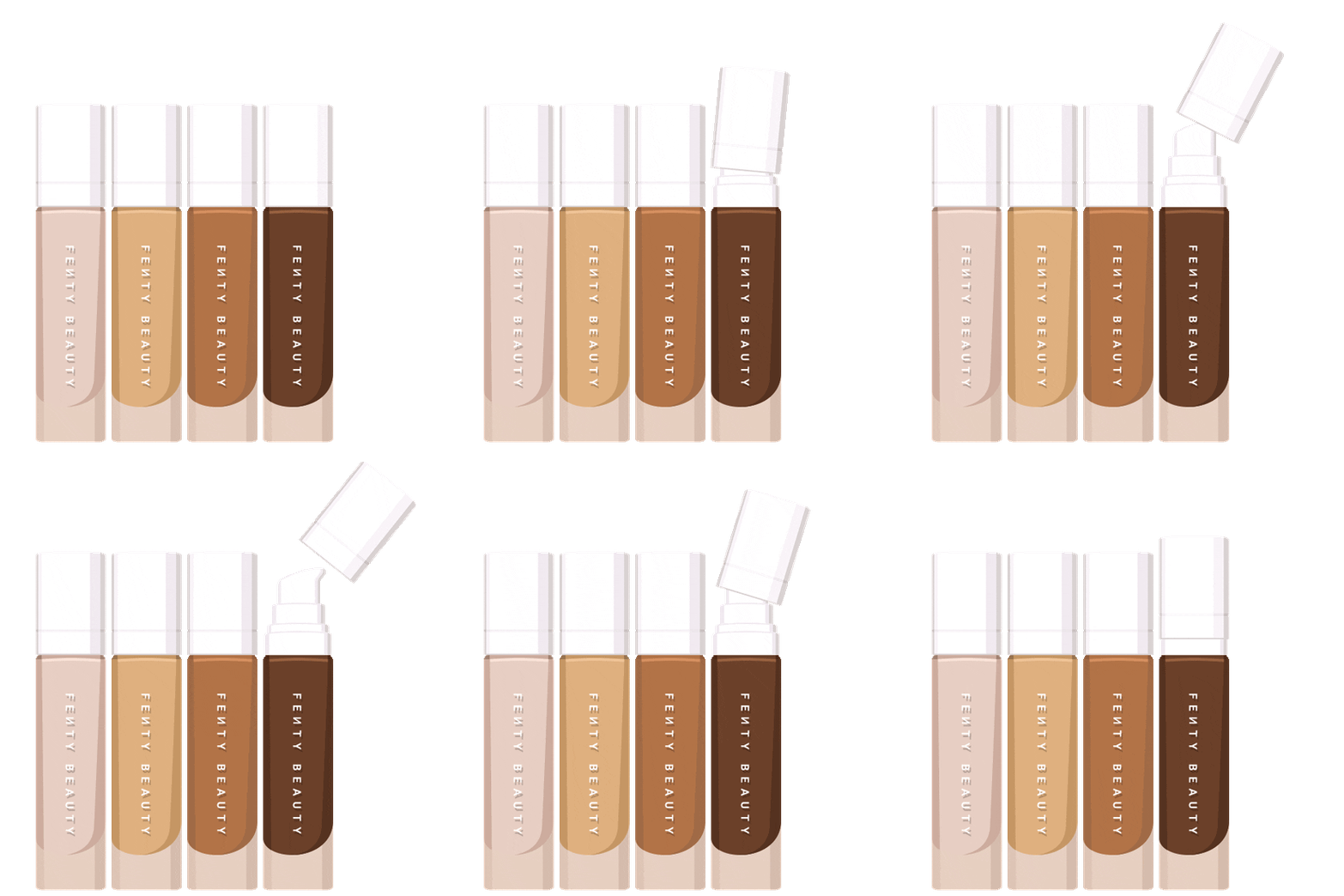
For my final project I decided to do an advertising campaign. This will consist of a video advertisement and an ad poster. I chose to use Photoshop, Premiere, and Audition as my three softwares to make a cohesive multi platform media project. First, I used the link to download Adobe apps for free onto my laptop. I signed in with my Marist email and was able to download these programs onto my laptop in a few minutes. I made an advertisement poster in Photoshop from a combination of pictures from their website. I chose to do an advertising campaign for Fenty Beauty’s new foundation line. In addition to this ad, I made a short TV advertisement on Premiere and added sound on Audition. To make sure I am on track to finish by the end of finals week I will set aside an hour each day to work on this project. My production plan is to record an advertisement and then edit it in Premiere first. I will add audio over this by using Adobe Audition. After this I will make an ad poster on Photoshop to go with the campaign commercial I will make the next day. I will drag photos from the internet and their website to make a collage for an ad poster. The ad will be a collage of different pictures of their foundation from the internet. I will use the voice memo app on my phone to record the sound for the commercial. I plan to write down what I want to say on a piece of paper so I only have to do a few takes of the audio. I plan on introducing the product, which is the Fenty foundation first. Then I will talk about the product and give my review. For this campaign I will act as an influencer and give my review of this product that could go on Fenty’s social media platforms.
Next, I will airdrop or email these voice memos onto my laptop and download them into Audition. I will use Premiere to edit and cut down the video. I will then add the audio over the video to complete the video advertisement. After about 3 or 4 days I will have everything I need and then I will start to edit. I will add effects that I learned in class to the video and audio. This will demonstrate the skills I learned throughout the year in this class. When I am finished I will save the video and poster onto my laptop desktop. I will save the ad as a “.jpg” to turn in and as a “.png” file for my wordpress website. The video will be saved as a “.mov” and I will upload that onto iLearn as well as my WordPress website. The link to this new video will be posted in my WordPress. I will import these from my desktop and upload it to my website. This will all be posted on my WordPress website under the ‘Final’ page of my blog on WordPress.
 gfiles